No Installation Required
Access MT5 directly from any web browser - Chrome, Firefox, Safari, or Edge. No downloads or installations needed.

Trade directly from your browser - No download required. Access the full MT5 experience instantly on any device with internet connection.
WebTrader MT5 brings the full power of MetaTrader 5 directly to your web browser. No downloads, no installations, no updates - just log in and start trading instantly. Access all MT5 features including advanced charting, 21 timeframes, 38 technical indicators, and full trading functionality from any computer with internet access.
Access MT5 directly from any web browser - Chrome, Firefox, Safari, or Edge. No downloads or installations needed.
Works on Windows, macOS, Linux, Chromebooks - any device with a modern web browser and internet connection.
Access to all MT5 features: advanced charting, technical indicators, order types, and market analysis tools.
SSL encryption and secure connections ensure your data and trades are protected. No local data storage.
Always access the latest version automatically. No manual updates required - you're always on the current version.
Start trading on one device and continue on another. Perfect for switching between desktop and laptop.
Access MT5 directly from any web browser. No downloads or installations needed.
Works on Windows, macOS, Linux, Chromebooks - any device with a web browser.
Access to all MT5 features: charting, indicators, order types, and analysis tools.
SSL encryption ensures your data and trades are protected. No local data storage.
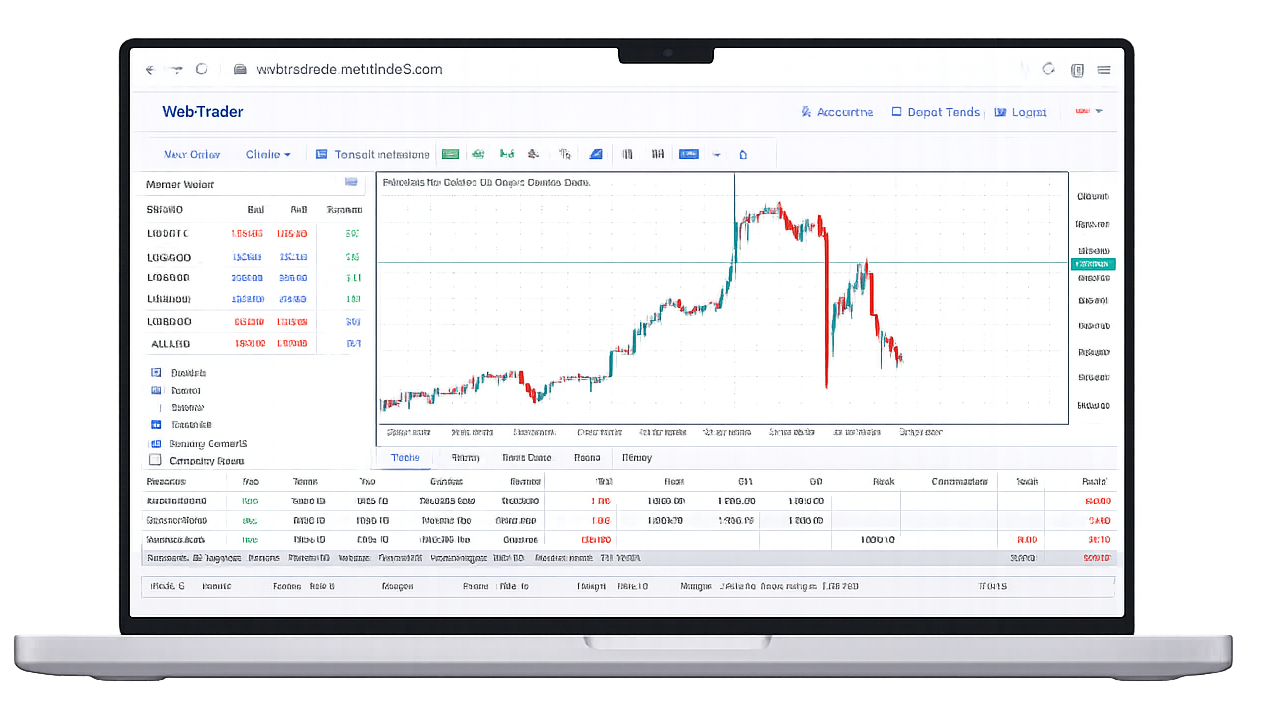
Access the markets instantly from any browser. No installation required - just log in and start trading.
Optimized for Google Chrome
Launch NowWorks with Mozilla Firefox
Launch NowCompatible with Apple Safari
Launch NowMicrosoft Edge supported
Launch NowGoogle Chrome browser
Launch NowApple Safari browser
Launch NowMozilla Firefox
Launch NowModern browsers supported
Launch NowGet answers to the most common questions about our browser-based MT5 platform.